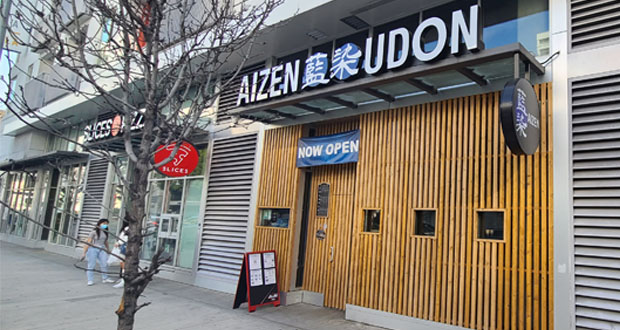
I don’t know how long they’ve been doing this, but apparently, you can get a 10% discount on your order if the clerk likes you. It’s called a 10% neighbor discount. I guess that means that you have to be a regular customer or something. Not sure if you can just ask for it, or you have to go there a lot for the clerk to recognize you. It doesn’t hurt to ask for it. 10% discount on $2.50 is a whopping 25 cents. In this economy, you need to save every cent.

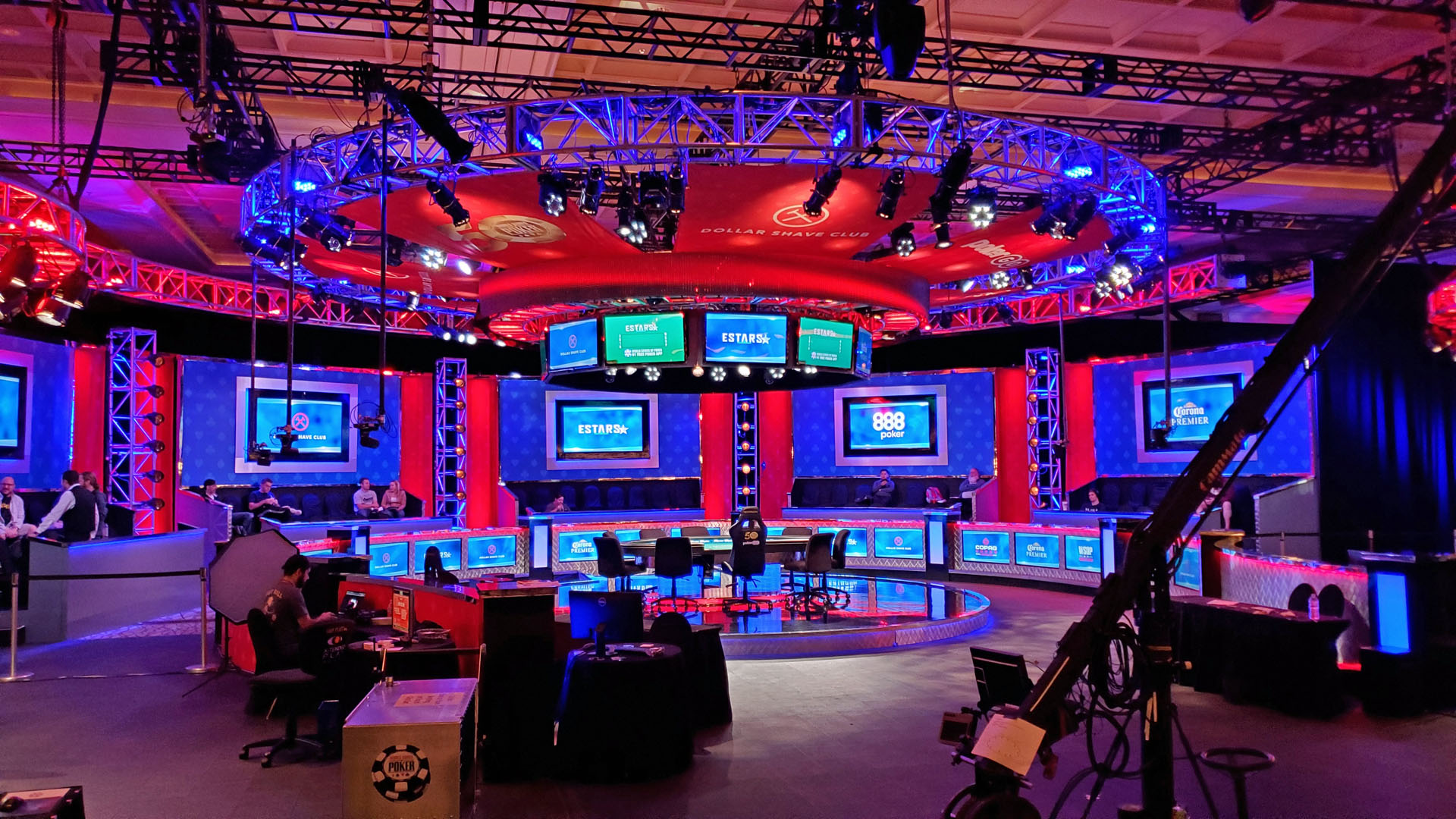
While playing at a tournament in LA, a guy told me to checkout the Hard Rock poker room. So while I was in Vegas, I decided to check it out.
Before I even got to the poker room, I noticed some go-go dancers doing pole work in the Casino itself. They are the “Hard Rock Hell’s Belles” dancers doing their thing at the black jack tables. And these girls are actually hot. I really wanted to walk over and tip them but I decided to control myself.
When I got to the poker room, which is kind of hidden away in the back, the first thing I noticed was the good looking hostess that walks you over to the table. However, that turned out to be nothing compared to 2 dealers they had there who were hotties. I don’t mean hot for a female dealer. I mean HOT! One was named Bella, and the other was a blond who’s name I can’t remember right now. Bella was wearing fishnet stockings, mini-skirt and 4 inch high heals. No, I’m not joking.
When was the last time you saw a poker dealer wearing a mini-skirt? When was the last time you saw a dealer you wanted to see in a mini-skirt?
Just so there’s no misunderstanding, I’m pretty used to looking at attractive females. Your average wannabe Paris Hilton does nothing for me. You have to be really hot for me to even take notice. And Bella and the blond were both hotties.
So I’m playing and trying not to stare at the dealers, and up walks a stunning blond player. WTF? Yes, that’s right. Even the players looked good here. Then a couple sits down, and they look like models. I was clearly the ugliest player there. No, the ugliest person there.
In any case, if you want to play around some really good looking people, this is the place to go. For more details on their strange “Hard Rock Straddle,” see my poker site.
This year, the Adult Entertainment Expo (AEE) was fairly small and some of the industry people didn’t show up. One thing I can tell you is I had a hell of a time trying to get my entry wrist-band because I paid for it online before the show. The “Triple X Crew” where I bought my online tickets were so disorganized, it took longer for them to figure out what to do with me than for me to just stand in line and buy the ticket at the show. It was horrible. I’ll never do that again.
As for the show, I haven’t been to it in 10 years. So it seemed very small to me, but I don’t know how it was last year. I didn’t really see anything super interesting there except some lighting equipment that I might want to buy. Here are some of what I saw there.

The last time I went to CES was back in the 90’s. In fact, if I remember correctly, I think I went every year for 18 years or so before I stopped going.
Well, I decided to return to CES and by chance, it happened to be the first CES in many years that had less people than the year before, probably because of this little recession thingie.
In any case, other than the Palm Pre announcement and the demo of Windows 7 Beta, I really didn’t see anything all that exciting. The Palm Pre looks very promising as the first “real” iPhone killer. This thing blows the Android OS out of the water. Windows 7 is basically Vista 2.0 and nothing at all to write home about. Some people are saying that Windows 7 may come out of Beta around September 2008. If so, that’s about when I should be almost used to using Vista, and not about to spend any more money on an OS from Microsoft.
Here are pictures of some cool rides I saw at the show.


The picture below is a concept car from Hyundai with some sophisticated electronics in it. When will it be out in the wild? Who knows.

This last picture below is the TV set (CRT at SD resolution) in my room at Bally’s, showing off it’s “Blue screen of death.” It’s amazing how many places Windows is being used. Even to check out from my room can cause Windows to crash. Nice.

As you may already know, I’ve been slowly trying to move from Windows XP to Vista and have been encountering some differences. One big difference is that Vista no longer supports the old XP Web Publishing Wizard. In case you don’t know what that is, it’s a Wizard that helps you upload pictures onto a website without having to use FTP. It’s very useful if you have a picture gallery on your website.
Well, it turns out that Vista still has this feature, but it’s hidden.
On one of my websites, I use Coppermine Photo Gallery for the picture gallery. The application creates a .REG file that you can use to modify your registry to automatically setup to use the XP Web Publishing Wizard. The name of the file it creates will be something like “cpg_1157950751.reg” or with some other random numbers. Inside this file, you will find a line as shown below:
[HKEY_CURRENT_USER\Software\Microsoft\Windows\ CurrentVersion\Explorer\PublishingWizard\
PublishingWizard\Providers\websitename]
Now, replace the second “PublishingWizard” with “InternetPhotoPrinting,” as shown below.
[HKEY_CURRENT_USER\Software\Microsoft\Windows\ CurrentVersion\Explorer\PublishingWizard\
InternetPhotoPrinting\Providers\websitename]
Now, double click on the .REG file to execute it. The Registry Editor (REGEDIT.EXE) will execute your .REG file and create entries that will allow you to upload images to your website. You will get a warning window first telling you that you are about to modify your registry. After you click “OK,” you will get a confirmation window telling you that the entry was created.
Next, open “Windows Photo Gallery” from the Start menu. If you can’t find it, type in “Photo Gallery” in the search box at the bottom and it will most likely be the first item at the top.
Launch it, and use the program to find the photos that you want to upload to your website. Highlight the photos that you want to upload.
Now, click on “Print” from the upper menu area as shown below. Next, click on “Order prints…” as shown.

Next, you will get a window to order prints, as shown below. Scroll down to the entry that was just created for your website. Click on it and a window will open with the application running on your website.

Once you have executed your upload, the next time you run Windows Photo Gallery, your website will be listed in the pull-down menu from “Print,” so that you don’t have to look through the long list of printing companies any longer.
Also, if I remember correctly, in the XP version, there was an option to resize the images before uploading. Unfortunately, the Vista version does not seem to have this option. This means that you will have to manually resize the images before you do your uploading. It’s an extra step but it’s still easier than having to do everything manually via FTP.
It’s good to know that Microsoft decided to take out one of the truely great features of XP in Vista. No wonder these guys are doing so well. Love your Vista TV ads too, Microsoft. Keep up the good work.
So now that I have my new JVC HD camcorder, I wanted to improve the images by getting a lighting adapter. After looking around the “Interwebs,” I came accross this interesting Ring light from SR Electronics called the Digi-Slave L Ring 3200 (MSRP $269.95). After ordering online, the unit was shipped very quickly.
This LED based close-up photography light/flash can be used as a continuous light source for videography. In my case, it’s for making home made pr0n and other indoor activities where the lighting conditions are not great. The “ring” is made up of a bunch of white LEDs and is amazingly bright.
The unit uses 4 AA batteries or you can plug it into an adapter (not included) but that would make it less portable when you’re moving around.
With the brightness setting at the highest level, it’s very bright and might be too bright for using in close-up situations, especially pointed at the face. At the lowest setting, it’s still bright enough for normal close-up situations.
The picture above shows the knob for the brightness control. It’s a bit small for my taste but I suspect that most people who use this may not be changing the setting all that often. The little switch causes the left/right side of the ring to turn on/off. This is for photography where the objective is to make the item look more 3D. For most uses, one would normally have both sides turned on.
The picture above shows the on/off switch, the DC input and sync plug if you are using this unit for still photography.
The picture above shows the unit with the LEDs on at full brightness. As you can see, it’s pretty bright and will be able to light up objects or people 10-20 feet away.
The following pictures show the light in action. The first picture below shows an object with regular indoor ambient lighting. The object is about 12-15 inches from the camcorder.
The following picture shows the same object using the built in LED light of the JVC unit. As you can see, the small LED causes uneven lighting, not to mention a blue-ish tint.
The next photograph shows the Digi-Slave with the LED brightness setting to it’s lowest level. As you can see, the lighting is more even than the previous picture. However, there is a similar blue tint as with the JVC LED. This might be something that could be reduced or removed via white balancing on the JVC but this test was done with the automatic setting.
In the following last picture, the Digi-Slave unit is set to the brightest level. Now you can see that the lighting is much more even and the blue tint is gone.
All in all, I’m happy with this product which operates and works exactly as advertised. It’s a little bit on the expensive side but if you want your amateur pr0n to look good, you have to pay the piper.

After an absence for 10 years, I will be returning to CES (the Consumer Electronic Show) and the AEE (Adult Entertainment Expo) in January 2009. Even though I haven’t been in the electronics industry for many years now, you may have noticed from this website, gadgets are my life. So, I’ve decided it was time to return to my roots.
Of course, there’s also the added incentive of knowing some new adult talent who will be at AEE. In my fantasy, she’s going to hook me up with some of her co-workers. Then, I woke up from my dreams.
At CES, I’ll be looking at any and all small HD camcorders that record on any solid state media, spy cameras, new cool cell phones, stuff for my PS3, and anything else that gives me a gadget woody.
I will be reporting directly from the show starting January 8th. Stay tuned.
For Christmas, my friends gave me a bunch of PS3 games. Nice. One of the first things Bioshock does, is to try to download a newer version of the game to the hard drive. However, everytime I tried to do this, it would fail. My WiFi Internet connection was fine and I am able to use the browser to look at website. Hmmm.
Upon checking the Playstation website, one of the recommendations they have is to disable the media server connection. To do so, just go to “Settings,” “Network Settings,” “Media Server Connection,” and select “disable.”
After making this small change, the download worked perfectly. I guess I can’t have both going at the same time. If I was an Internet wizard, I’d be able to figure out why this is the case. But since I’m not, I’ll just turn this feature on and off as needed.
After waiting for what seemed like months (wait, it was months), Amazon finally sent me the PS3 wireless keyboard attachment to my controller.
Pairing it with the PS3 was a no-brainer. Just plug it into the PS3 via a USB cable (not provided), then turn on the keyboard and the pairing happens automatically. Although the keyboard portion is a separate unit with it’s own rechargeable battery, the SELECT, START and PS3 buttons just presses the buttons on the controller unit itself.
There’s a red LED on the left side to indicate when the unit is on, and when left without use, it will automatically turn off to save battery.
There are also 3 new buttons (located right below the SONY logo) on the keyboard. You can directly access the PS3 message box with the one on the left, go to touch pad mode (middle), and display the friends list (right).
The touch pad mode is somewhat interesting. When this mode is on, the middle button has a green LED that is lit. While in this mode, you can use the bottom 3 rows of the keyboard just like a touch pad. You don’t have to actually press on the keys at all. Just roll your finger over the keys and it acts the same as a touch pad on your laptop. It’s a little strange at first because your finger goes over keys but you can get used to it after a while.
Also, at the top left is a “blue” button, and on the right is the “orange” button. If you press the orange button with the CAPS button, you will enter caps lock mode. Blue button plus RETURN gives you a line break.
My main gripe is that this is yet another thing that has to be recharged via the USB, and as you know, the PS3’s USB is turned off when the unit is turned off. So to charge the keyboard, you have to leave your PS3 on, or use your laptop or computer to charge it.
Also, the Katana charger adapter does not work with the keyboard because it gets in the way. You have to unplug the Katana from the controller to connect the keyboard to the controller. This is a big buzz kill for me. Not sure if I’m going to keep this keyboard.
Take a look at the gallery below to see close-up views of the keyboard. You can see larger views by clicking on the picture.
- Back of keypad connected to controller
- Back of keypad
- Close-up of orange button on right
- close-up of blue button on left
- Close-up of new 3 buttons
All in all, if you’re used to using small keyboards on your cell phone, you should have no problems trying to use this tiny keyboard with your thumbs. It works as advertised and the added touch pad feature is a nice touch. Except for the incompatibility with the Katana charger, I’m very happy with this unit.
Not satisfied with the lens that comes with the JVC Everio, I decided to get a wide angle conversion lens from Raynox (model HD 6600Pro-43), a Japanese lens company. If you’re wondering why you’d need a wider lens, it can be great for buildings, long exterior shots, and of course, home made pr0n. The last use is what I’m going to use it for mostly.
The Raynox website listed the US distributor as Digital Distributors. The U.S. distributor had it in stock for $141.75 and after ordering it online, they sent it out the next day via UPS.

This wide angle lens screws onto the Everio without any adaptors so it’s a good match. The mounting thread is 43mm and the front filter size is 72mm.
The first picture below is with the Everio set to the widest setting without the Raynox lens. Click on the pictures to see the full resolution version.
This next picture below is the Everio with the Raynox wide angle lens. Again, click on the image to see the full resolution version. You’ll notice some blur and distortion on the left side of the image. This is a common problem with wide angle adapters, and I’ve seen it even on semi-professional pr0n and even cable TV content. The blurring is not so much that it’s annoying but you can notice it. If you zoom in, the middle area is sharp.
The picture below is the Everio with the Raynox lens and the Digi-Slave L-Ring light attached on the Raynox. This is the way it would be used if I was indoors needing a light. Of course, in real use, I would zoom in to remove the ring in the picture.
This last picture is the same setup as the one above except that I’ve zoomed in to eliminate the appearance of the L-Ring in the picture. As you can see, the end result is about the same as the setup without any extra lens.
So far, I’ve used this lens about 4 times with good results. The blurring is there, but not so noticeable that it ruins the image. If you were shooting something for commercial use, it may or may not be acceptable quality. For the price, it’s more than acceptable for home use.
One problem with the lens is that it blocks the built in LED light on the JVC. In fact, if you have the setting on the JVC for automatic lighting, and the LED comes on, it will cause a strange half light on the right side. So be sure to have the setting on the “off” setting before starting.
All in all, I can recommend this lens for light semi-pro use, home pr0n use, and any amateur use.