Best Buy at Vegas Airport

Thursday, August 12th, 2010

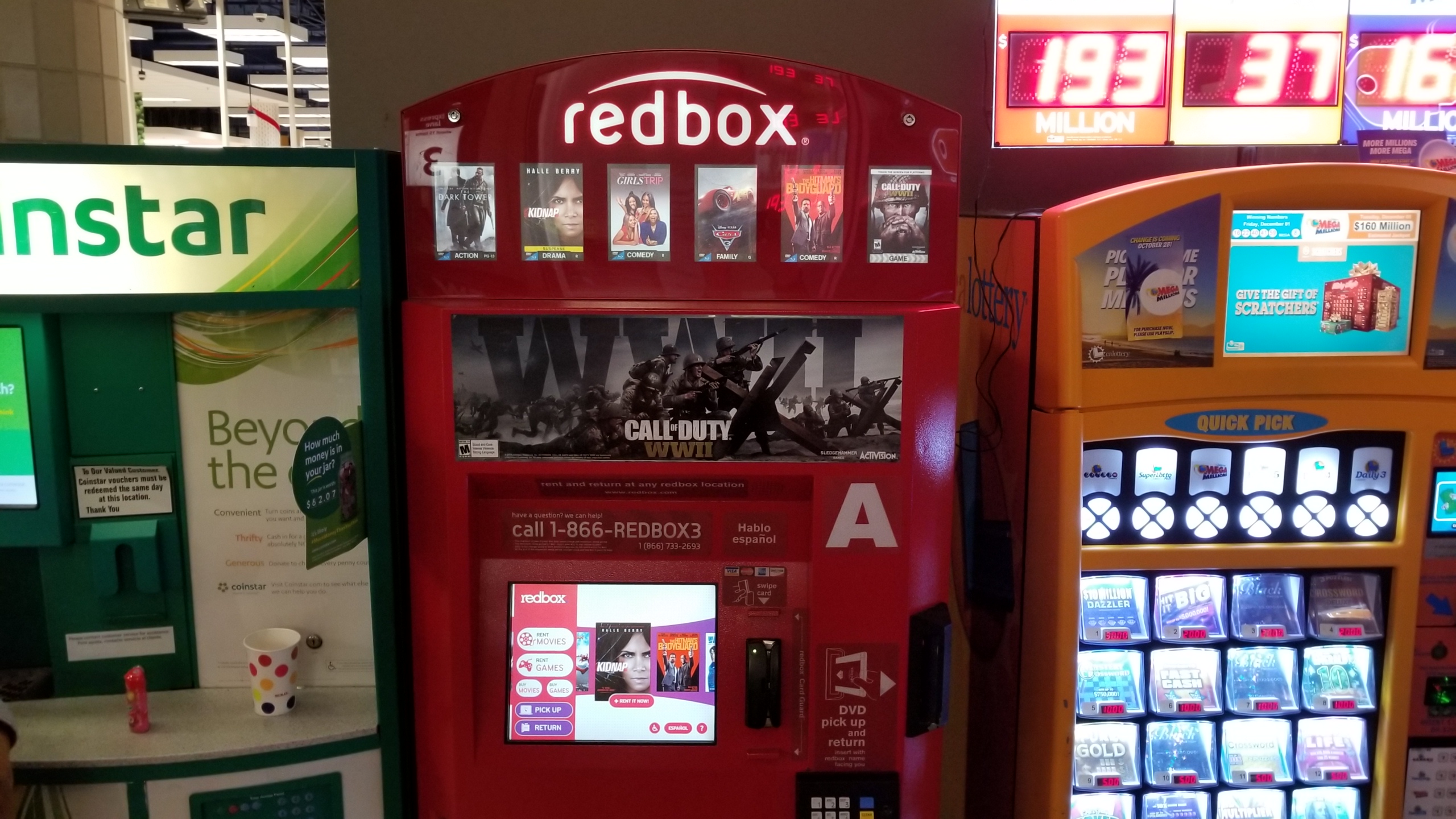
People are pretty used to a lot of vending machines, including the Redbox that rents out DVDs.  A new one I saw at the Las Vegas airport was a Best Buy vending machine chock full of nice gadgets, including iPhones, iTouch, digital cameras, chargers, headphones and other goodies. The day will come when the vending machine is all we’ll see and retail stores will no longer exist.

Best Buy Vending Machine

Best Buy Grocery Store

Monday, June 28th, 2010

While I was driving on Pico near Hoover and came across Best Buy Foods. It’s a grocery store. Hmm. Do the words “cease and desist” mean anything?

iPhone 4: The Countdown is over

Thursday, June 24th, 2010

So after hatching complicated plans for obtaining the iPhone 4, it all comes down to an enormous line at the Century City mall. As you can see, the line goes out of the mall, to the side of the next building, over the bridge, and even past the bridge.

The people at the very front of the line have been there since about 8pm from the day before. Some had sleeping bags, folding chairs, laptops, iPads, and other distractions. Some just sat on the ground. Although there was originally a list of names, it turned out that was done by the mall security and had nothing to do with Apple. I think Apple needs to come up with a better system before they have a riot next time from people trying to cut in line.

The long line goes over the bridge and beyond

The people in the reserved iPhone line were moved anywhere from 10-30 people per group to the mall. Each group would be moved every 30-40 minutes or so. The people in the non-reserved line were given tickets that confirmed that they would get an iPhone, assuming they stayed in line and waited. This line moved in groups of one person to 10, every 40-50 minutes or so. The reserved line started moving at 7am, and the non-reserved line started moving at 10am. Apple handed out

Once moved into the mall, you stood in a second short line across from the Apple store. Then you were moved again to a 3rd tiny line (of just 7 people) right in front of the store. There was another line for people who were not getting iPhones. I don’t know why people would stand in a line to NOT get an iPhone today, but some people like the action.

Now, from the 3rd line, you are moved to your 4th line inside the store where somebody asks for your information and types it into their computer. And finally, from there, an Apple employee was assigned to get you everything you needed.

Although the waiting and standing in the lines in the hot sun was excruciating, I have to say the Apple people are well trained and very helpful. Once you have made your purchase (with any software or accessories), you can optionally have your old phone contacts moved over to your iPhone. They are using a CelleBrite box which is basically a black box that connects any phone to any other phone and transfers the contact list. Very interesting stuff but must be a nightmare for the CellBrite company to keep up with all the new phones that come out everyday.

iPhone 4 with no AT&T service

Unfortunately, everything seemed okay at the store but when I got home, I realized the AT&T service was not properly connected and I was not able to make calls.

Next time: First impressions.

iPhone 4: The Countdown

Wednesday, June 23rd, 2010

The Countdown To iPhone 4

Since I wasn’t able to have my iPhone mailed to me, I have to wait in line at the Apple store tomorrow. From reading about past experiences with people waiting for 7 hours in line, I decided to go to the Apple store and ask some questions.

After finding a helpful employee at the Apple store, this is what I learned. It turns out that at the Century City store, the mall will not allow people into the mall until 5am. The store opens at 7am and the line will be in a larger area in the mall, not in front of Apple. Apple employees will bring in 10 people at a time into the store. This is the same way they did it for the iPad recently, according to my source.

At this point, I have no idea if I have to wait in line from 5am to secure my iPhone or not. I started to look around Craigslist and found a few people willing to stand in line for money. After contacting a few, I picked 2 of them, and hedged my bet by employing both in case one flaked or got arrested for loitering.

One guy had several “employees” (mostly family I’m guessing) doing it at several stores and I paid him a deposit by Paypal. This guy will send his guy at 4am.

The other guy was a kid and I met with him and gave him a deposit in cash. Actually, the deposit was my idea with him. I don’t think he’s done this before. He seems like a real nice guy and I’m hoping he’ll come through for me. He says he’s going to go to the mall at 9pm and linger there all night. I hope he doesn’t get arrested.

I’ll call him Matt (not his real name). Matt told me that for the iPad, there was about 40 people in line. I’m pretty sure there will be a bunch more for the iPhone. One thing was clear. This guy loves Apple. He says he bought every single version of the iPhone. Matt also told me some AT&T cheats that he uses. Obviously, he doesn’t want this info made public, which I completely understand.

Now I wait.

Update 11pm:
My line guy says there are about 20 people ahead of him in line already. It’s going to be a long night for him.

Update 2am:
Now he says there are about 50 people in line.

iPhone 4: Online Pre-order Not So Easy

Tuesday, June 15th, 2010

After watching the mayhem from the last iteration of iPhone mania, I already knew it would not be easy to reserve the new iPhone 4 online. But something like that has not stopped me in the past and won’t deter me now. I knew standing in line at the Apple store, going to AT&T, Best Buy or Radio Shack would be out of the question. From my past experience, I know that most of the clerks won’t even know what I’m talking about and/or just help me go to the Apple or AT&T website.

Starting at midnight, I started refreshing the Apple website on the iPhone page once every 10-15 minutes and got nothing very interesting. After many attempts, I finally got this screen.

Ready for pre-order?

When I tried to start the pre-order process, I kept getting this message below:

Apple server confused or busy

Inactivity!? I’m typing my address in as fast as I can. After a while, I figured out that the website was not really ready to take my pre-order so I waited. When I tried again later, I kept getting this message below:

Apple website probably being updated

When I got the “Oops!” message, there was no way to return back to the normal part of the Apple website except just to re-start from scratch. On one of my tries, I got this crazy screen:

Whoa! WTF!?

I have no idea what this error means but I’m sure my pre-order didn’t go through. Then around 3am, I finally got this message.

Apple website getting ready for pre-orders

This is what happened last time when they were pre-order selling the iPad so I already knew that I would have to wait until about 5-5:30am until the website was back up. While doing other work on my computer, I kept periodically refreshing the browser.

At about 5:30-ish, I was able to get back on but still kept getting errors. I was not able to get the online store to ship to me, maybe because I’m not a current AT&T customer, or because the AT&T servers were overtaxed, so I decided to try picking it up at the Apple store.

By the way, the white iPhone is not available for pre-order. If that’s what you want, you’ll just have to wait. Personally, I like the black one better. It looks more Vader-ish.

But I digress.

After several attempts at trying to do the pickup at the Apple store, I finally got to this:

Booyah!! Jackpot!

According to their email, I have to the end of business day on June 24 to pick up my iPhone at the Apple store. Nice.

In hindsight, I probably should have just waited a few hours and let everybody use the servers, then did my pre-ordering. But what would be the fun in that?

Sony PS3 Move Demo at Best Buy

Tuesday, June 15th, 2010

At last year’s E3, Sony showed a demo of their motion control device, to compete with the Wii and Microsoft’s rumored motion control device (also shown at E3 last year).

Well, a whole year has gone by and at this year’s E3, both Sony and Microsoft are now showing off their motion control devices and the games that will use them.

Sony decided to go one step further and demo the devices at the local Best Buy. They will be showing it today at both Culver City Best Buys and the Burbank Best Buy.

It’s so funny that both Sony and Microsoft are playing catch-up to Nintendo after calling the Nintendo motion controller a “fad.”

Yes, it’s just a fad. A fad that allowed a “kids” game console that doesn’t even have HD to kick your respective asses.

Alienware AM11X 11″ Laptop review

Sunday, June 6th, 2010

Since I’m going to have to update this website from the WSOP, I needed to upgrade my traveling laptop. After looking at all the current tiny Netbooks, I decided I needed one with a lot more power. The only laptop that’s very small with the power I was looking for was, of course from Alienware.

Alienware AM11X-2719CSB

I won’t bore you with the details but once again, Best Buy failed when it came down to their consistent problem of inventory mix-ups. The first one supposedly had 3 in stock but none were to be found. To make matters worse, they really didn’t give damn about it and was happy to see my leave their store. While there, I used their computer to look to see which other stores had it in stock and arrived at the second store in about 20 minutes.

The in-store inventory at the second store indicated there were none left but I forced the clerk to hunt down the online reserved ones in the back. After a few minutes, he came out with a completely black box. Success. It’s a wonder how Best Buy stays in business with their consistent incompetence.

Top of Box

Buy I digress.

I basically ran out of the store with my new laptop, just happy to get out of the hell hole.

Inside the all black box is another all black box shown above. Alienware is known for cool looking boxes but the inside box was over the top with the Alien-font writing.

Box inside box with Alien writing

Under this box is the actual laptop covered in a cloth protective cover. Nice touch.

Laptop inside protection

While at Best Buy, I tested the Netbook keyboards on the Toshiba, HP, Dell, and Acer and the Toshiba’s keyboard was unusable. Dell was the best. The HP keyboard was OK but the touchpad click is part of the touchpad and cause the cursor to move around. This is the worse design in the world.

So after seeing these marginal keyboards and touchpads, it was great to see how well designed the Alienware keyboard and touchpad was. I tested it extensively at the store, typing in several paragraphs. Also, this baby is backlit and you can even change the color of the backlighting. More on that later.

Backlit keyboard

The spec on the AM11X are as follows:

  • 1.3GHz Intel® Core™2 Duo mobile processor SU7300, 800MHz system bus, 3MB cache
  • 4GB DDR3 SDRAM, expandable to 8GB
  • 11.6″ LCD widescreen LED backlit display (1366 x 768 max)
  • 250GB Serial ATA hard drive (7200 rpm)
  • NVIDIA GeForce GT 335M graphics, 1GB GDDR3 memory
  • Two built-in front speakers with high-definition 5.1 Surround Sound
  • Built-in 1.3MP webcam
  • Wireless LAN card (802.11b/g/n)
  • Built-in 10/100 Ethernet LAN
  • Weighs 3.8 lbs. and 1.3″ thick
  • Long battery life (up to 5 hours and 35 minutes)
  • Microsoft Windows 7 Home Premium Edition 64-bit operating system
  • $899.99 at Best Buy with above options. Alienware has a basic version for $799.

As you can see from the Windows Experience Index below, the graphics causes the index to be lower but the other numbers are more than decent for a small laptop.

Windows Experience Index

The photo below shows the left side of the laptop with the connectors, including the HDMI port to display on a large screen and the DisplayPort for projectors. The Firewire connector is the tiny version so you may need an adapter to connect.

Left - VGA, USB, Network, HDMI, DisplayPort, 3-in-1 Media, Firewire

On the right side, there are less connectors, including 2 USB ports, 2 headphone connectors and a microphone connector. Compared to the left side, this side looks empty. On the larger units, I assume they have the DVD drive on this side.

Right - 2 headphone, microphone, 2 USB

To change the LED colors for the different areas of the laptop (including the backlit keyboard), run the “Alienware Command Center” app and you will see the display below. From there, you can independently change the colors of the lighting. Most people will think this is over-kill but this is what makes me drool. I love toys inside of toys that do nothing but makes things look cool. Kudos to Alienware for knowing their audience.

Command center for LED color changing

The laptop comes with a pre-installed face recognition software to login to Windows 7. It seems to work when there’s good lighting but does not work properly in dark lighting. As with the fingerprint login on my Toshiba, it’s more for the coolness factor than something that you’re actually going to use.

Summary:
Compared to other Netbooks, this laptop is thicker and heavier. However, compared to other laptops, this is light and tiny and just as fast. The screen is slightly larger than the Netbooks but small compared to almost any laptop. There is no built-in CD/DVD reader/writer so you’ll need an external one. Even with the smaller keyboard, it’s very easy to use and the backlight makes it easy to see in the dark.

All in all, if you need the speed and power of a regular laptop, but don’t want to carry around a regular sized laptop, this is the model for you. I wouldn’t recommend it for a game machine because of the screen size and small speakers. I think it’s perfect for power users on trips or on the go and so far I’m happy with it.

Scotte Vest Hoodie For Poker

Saturday, May 29th, 2010

It’s almost time for the 2010 World Series of Poker. That means it’s time to update my tournament outfits. There was an ad in Bluff Magazine from Scotte Vest for a hoodie with a lot of pockets.

Scotte Vest Ultimate Hoodie Microfleece - $56 with Promo

It’s normally $70 but with the promo code “BLUFF2010″, it’s $56. It may seem a little high for a microfleece hoodie, but take a look at the pockets it comes with.

The most unusual one is a see-through pocket where you can put your iPhone, or Palm Pre in my case. You can sort of see the screen and more importantly, you can touch the screen to operate your phone. There are routes for your headphones to go through to your head so you can go to the next song without even taking your phone out of your pocket. Nice feature.

Palm Pre in clear touchable inside pocket

On the other side, there are 2 pockets that are vertical so that you can put water bottles or your drink of choice so you’re always ready to some refreshments.

Inside pocket for drinks

There are other pockets (like on your upper arm) but the one that I like are the ones on the side which you’re most likely to use. They are equipped with magnets so that they automatically close shut. It’s nicer than velcro because it’s very easy to open but you don’t have to worry about your wallet falling out after you take your hand out of your pockets.

Side pocket with magnets

After testing out my new hoodie at a few tournaments, I’m really liking this mega-pocket outfit. You may see me at the WSOP this year wearing it.

DVI Cable Pricing

Sunday, May 23rd, 2010

After getting my new Samsung Syncmaster, but using my old analog cable, I decided to “upgrade” to a DVI cable. When I looked online at Best Buy, this is what I found on Best Buy.

$60 sure sounded high, so I took a quick look on Amazon.com and found this.

There was actually a cheaper one on Amazon but I didn’t like one of the review comments that said it was DOA and decided to pay $6 more for what I’m hoping is better quality. With shipping, the total came out to only $20, which is still $40 cheaper than Best Buy. However, I had to wait 6 days to get it in the mail.

The cable is 10′ long, which is plenty long enough from my computer to my new monitor. There’s no noticeable difference between the analog image and the DVI digital image but I feel better about going digital.

Best Buy Inventory System Fail Part 2

Tuesday, May 18th, 2010

The last time I complained about Best Buy, their website inventory system told me they had the item for pickup, then it turned out they didn’t, then they did. So when I needed a new large screen LCD HDTV, this bad experience made me scared to order it online.  First, I looked online and saw that my local Best Buy did have them for pickup. But resisting just buying it online, I visited the retail store.

Lo and behold, the retail salesman tells me they only have one in stock and that it’s the floor model, which cannot be sold. WTF!? If I was a normal shopper, this would have been the end of it. Best Buy loses a sale and I don’t get my HDTV.

I didn’t even try arguing about it with him. I left and went home to my computer, and bought it online. I got a confirmation email in 15 minutes that it was indeed available at the same store I just visited.

Upon returning to the store within 30 minutes, the LCD HDTV was waiting for me to pickup. I just don’t know what to do now. Buying online the first time turned into a nightmare. This time, it would have been the quicker method.

So what the moral of this story? Best Buy’s inventory system is clearly F-ed up and needs to be fixed. If they don’t remedy this sooner than later, mark my words, they will be the next Circuit City.